 Despierta Ya
The alarm that won’t let you fall back asleep.
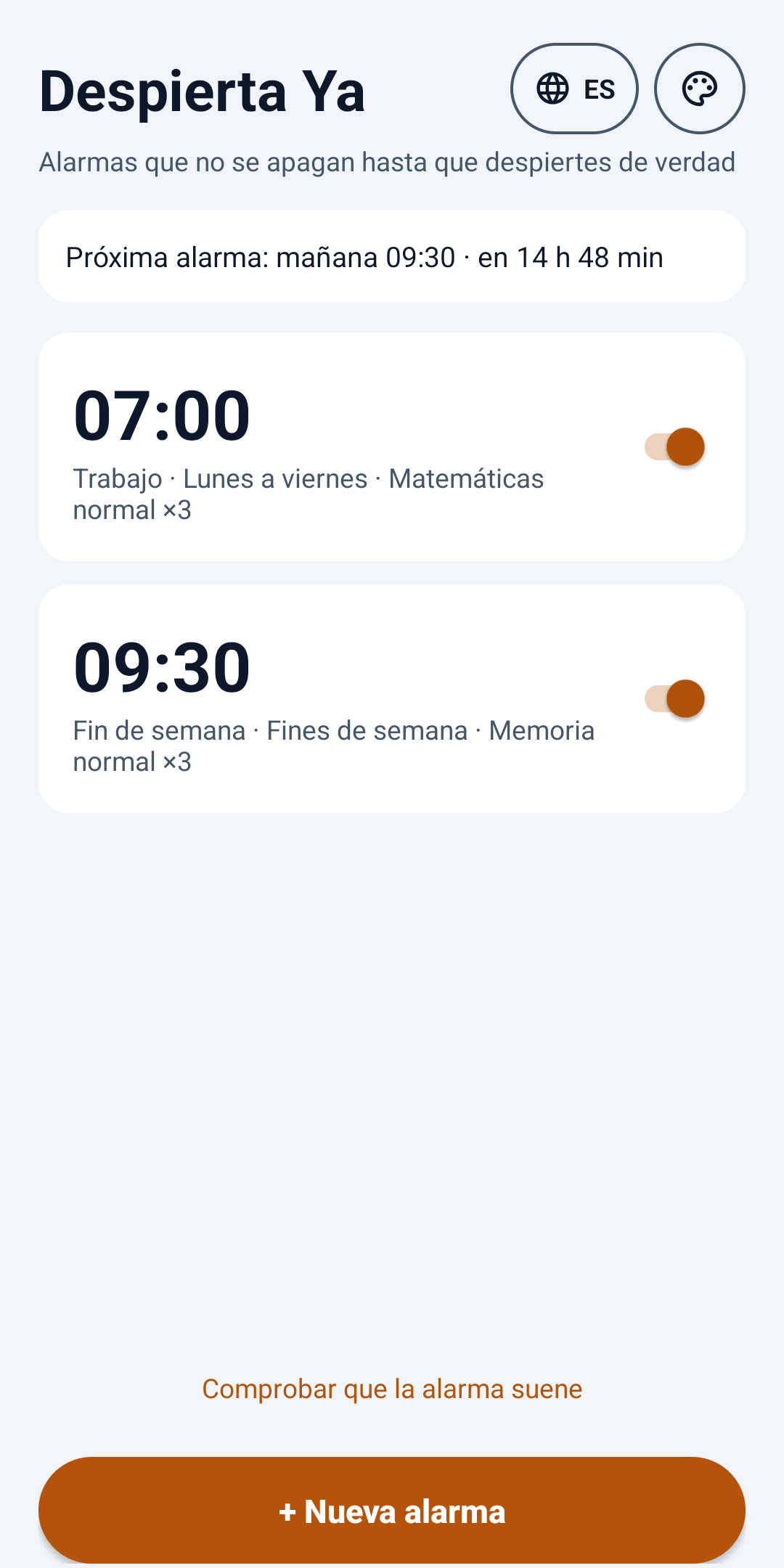
To turn it off you have to solve a task: math, shaking the phone, memory, opening your eyes to the camera and more.
Made to really wake you up
No accounts, no internet: everything happens on your phone.
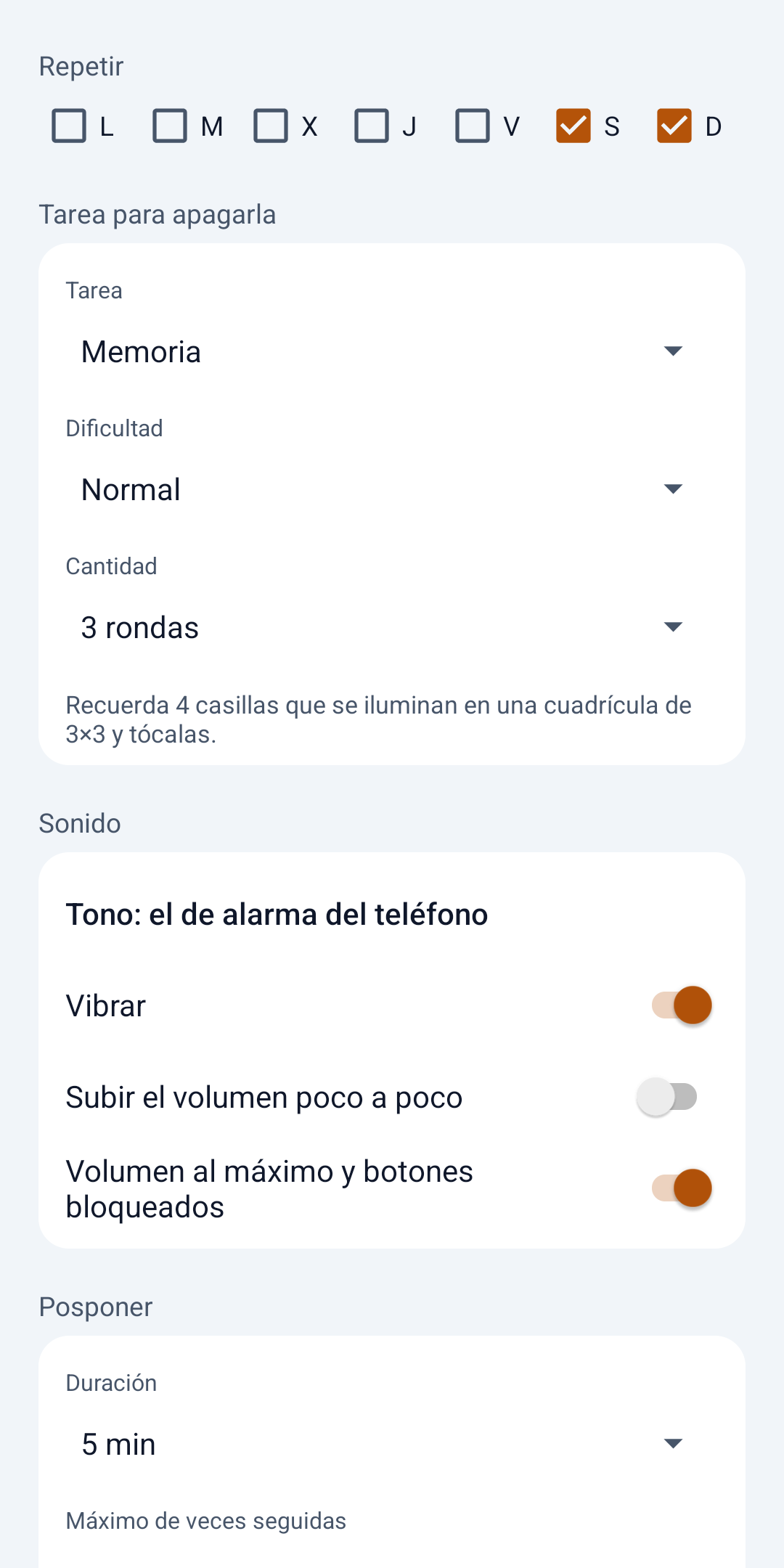
- Eight tasksMath, Shake, Memory, Sequence, Open eyes, Level, Phrase or a plain button.
- No cheatingLeave the task half done and it rings again; volume is locked and it checks you’re still awake.
- Always ringsWith the phone locked, after a restart and even if you close the app. It warns you if an alarm didn’t ring.
- Woke up early?Turn it off from the upcoming or snooze notice, but only by completing the task.
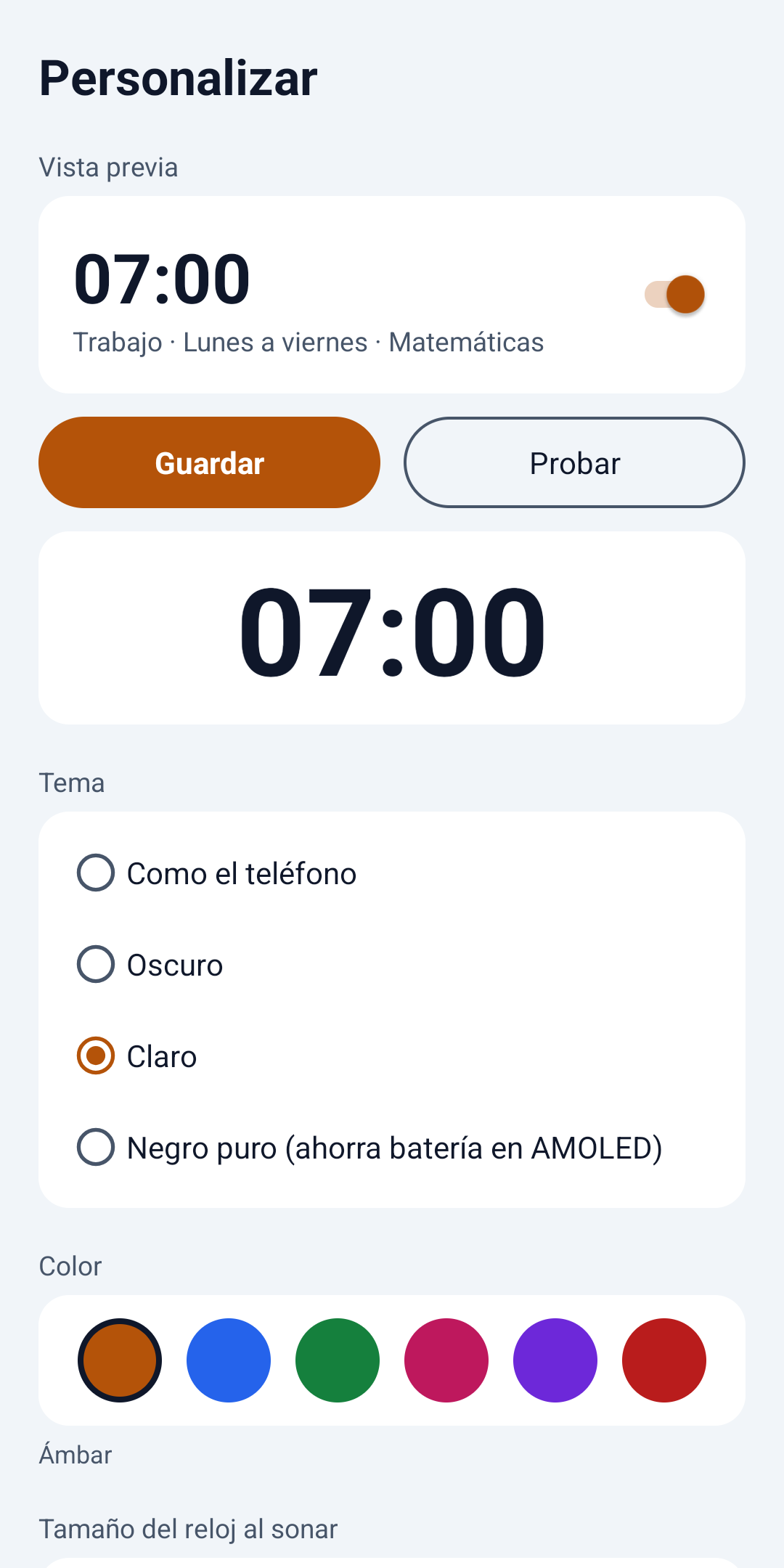
- Your wayTone, vibration, snooze and theme per alarm; skip just the next one when you need to.
- Your languageSpanish, English and Portuguese.
Download
Install the file directly on your Android phone.
Version 1.4.1 · October 24, 2026 · 143 KB · Android 9 or later
SHA-256: 49e0c4cdc77b390919a69acdef4489ca49e68e1ad186500f4846bfd0fcbe2ad9
What’s new: Fixes a freeze when the alarm starts ringing on some phones. Open eyes and Level tasks, a screen that makes sure the alarm always rings (permissions, battery and your phone brand’s settings) and, if you close the app while it rings, reopening it takes you back to the task.
- Download the file on your phone.
- Open it and, if asked, allow “Install unknown apps”.
- Open Despierta Ya and tap “Make sure the alarm rings”.
If you later install it from Google Play, uninstall this version first: Play signs the app with a different key.
Privacy
No ads, no accounts and no internet. Your alarms stay on your phone, and the camera (if you choose “Open eyes”) is analyzed on the spot and never saved.
Read the privacy policy